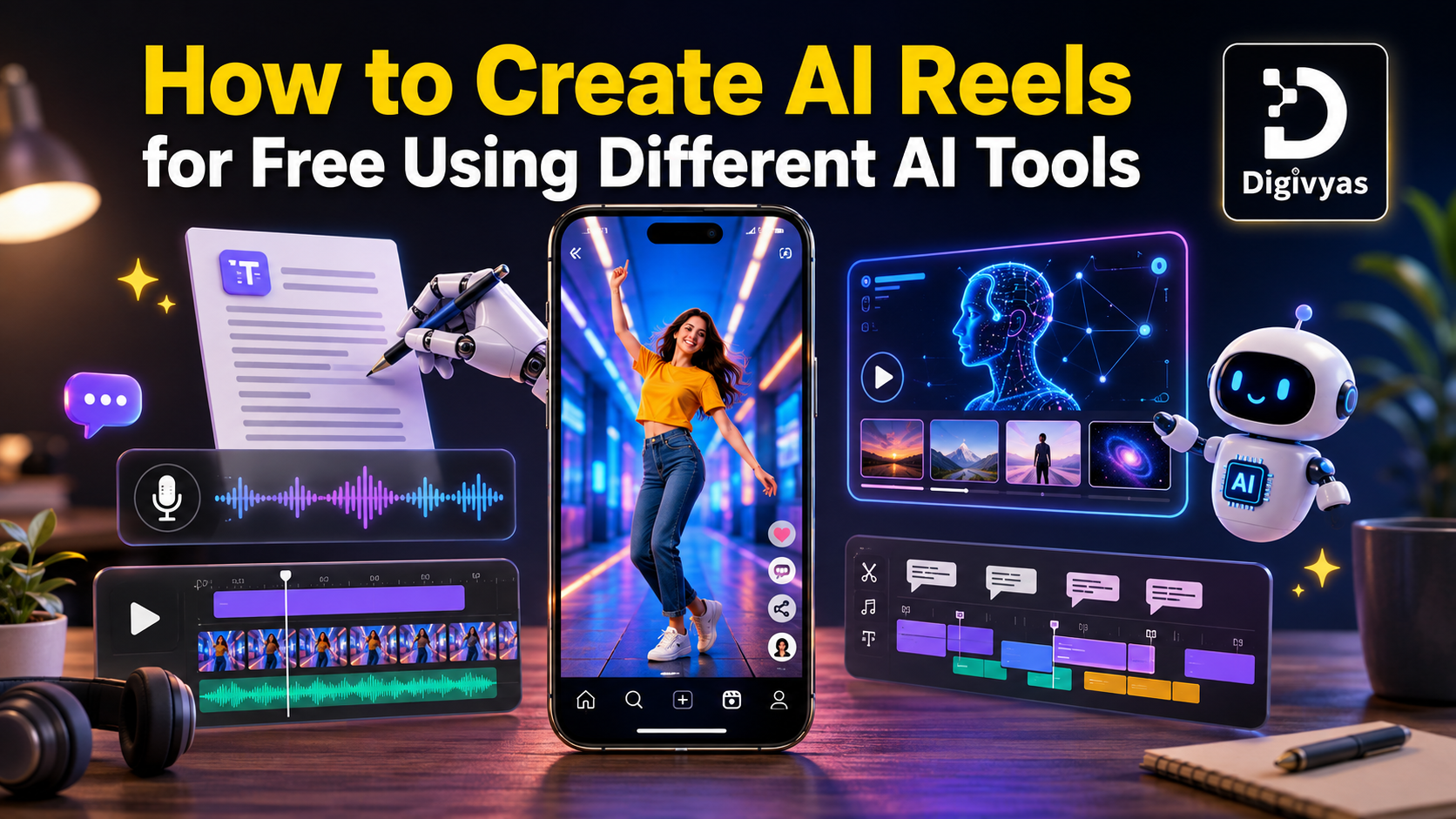
Ever wonder how people are pumping out Reels daily without touching a camera or spending a single rupee?
Reels used to mean a camera, decent lighting, and hours of editing just to get something worth posting. That's changed. If you're searching for how to create AI reels for free, here's the good part: no filming required, no editing background needed, and no money spent.
Just a few tools stacked together the right way, and you can create videos with AI for free without any of the old hassle. Here's exactly how it works, step by step, minus the fluff most guides pad this topic with.
What Are AI Reels and Why Everyone's Making Them Now
AI reels are short videos where AI handles most of the heavy lifting: script, visuals, voice- all of it. Creators are churning these out constantly right now, mostly because platforms reward consistent posting, and AI is what actually makes that consistency doable.
The process is simple. Drop in a prompt or a script, and the tool takes it from there. It writes the hook, pulls together visuals, adds a voice, throws in captions. What used to eat up an entire evening now takes maybe ten minutes.
Reels get the algorithm's attention; regular posts mostly don't. That's not really a secret anymore. TikTok and YouTube Shorts play by the same rules. So instead of editing everything themselves, creators just let AI tools take over that work.
What You Need Before You Start Creating AI Reels for Free
Nothing complicated here. Just a loose idea ready to go, a couple of free tool signups, and a clear picture of what "free" actually covers before diving in.
An Idea, Script, or Existing Content to Repurpose
To start, it is not necessary to begin from a blank page or starting from zero. An old post or plain description is also fine.
Free Accounts on the Right AI Tools
Most of these only ask for an email. No card details, no sneaky trial that quietly charges later.
What "Free" Really Means
This part rarely gets mentioned upfront. Free usually comes with a catch, and it's one of these:
- A small watermark sitting on the video
- A cap on monthly exports
- Shorter max video length
- Lower resolution than the paid version
None of that should stop you, though. Just knowing it upfront means fewer surprises later on.
How to Create AI Reels for Free: Step-by-Step Process
This part isn't hard; people get stuck simply because nobody lays out the actual order of steps. Here's the full flow from start to finish.
Step 1: Generate Your Script or Idea with AI
To generate your script, aim for 100 words; it's good for 15-30 sec reels. Ask your AI to write something creative and punchy.
Step 2: Turn Your Script into Visuals
Feed that script into a free AI video generator. It pairs the text with stock clips, AI-generated footage, or animates existing photos.
Step 3: Add an AI Voiceover
Recording a voice isn't necessary at all. AI voiceover tools convert text into audio that sounds genuinely natural. Any tone works, though casual fits most reels best.
Step 4: Auto-Generate Captions and Subtitles
Nobody watches with sound on. Captions aren't optional; they're the video for half your audience. Most apps sync them for you now; no typing needed.
Step 5: Edit, Trim, and Add Music
Cut the boring parts. Keep it moving. Add music that fits. No editing skills needed; free tools do the heavy lifting.
Step 6: Export and Post
Export at 9:16; that's what Instagram and Shorts want. Some tools even post or schedule for you; one less thing to deal with.
Best Free AI Tools for Instagram Reels and Shorts
Not all tools are the same. Some polish the footage you have already created; others create it from scratch. If you are looking for the best AI tools for short videos, look at this comparison table.
| Tool Type | Best For | Free Plan Limit |
| Editing your own footage (CapCut, VEED) | Creators with existing clips | Usually no watermark, limited exports |
| Text or image to video generators (InVideo AI, Runway, Google Flow) | Starting with no footage at all | Watermark on free tier |
| AI voiceover tools (HeyGen) | Faceless content, zero filming | Limited minutes monthly |
| Auto caption tools (Submagic, Descript) | Any reel, any format | Free, basic styling only |
Free AI Tools for Editing Existing Footage
Raw footage sitting around already? Tools like CapCut and VEED auto-crop it, add captions, trim the excess, and get it reel-ready without touching a timeline manually.
Free AI Tools for Generating Reels from Scratch
Nothing but an idea to work with? This is where a AI video maker free like InVideo AI, Runway or Google Flow actually earns its place. Type in a concept, or even just a blog link, and it builds the reel around it.
Quick note for creators in India: CapCut isn't officially available due to a government policy. Sticking to tools that work natively is a safer bet than relying on a workaround.
Tips to Make Your Free AI Reels Actually Perform Well
Tools only get things halfway there. What actually keeps people watching comes down to a few small habits around pacing and hooks.
- Try to seek attention in the first 3 seconds; that's when people decide to stay or move on
- Keep the reels short and attractive; shorter reels grab more attention
- Keep captions on always; most viewers won't bother turning sound on
- Reuse old blogs or podcast clips instead of starting fresh every single time
Common Mistakes to Avoid When Making AI Reels for Free
Even with decent tools, small things quietly tank reach. These are the mistakes that show up most often when people are just getting into AI reels.
- Trying to make one tool handle every single job instead of combining a few
- Forgetting each platform has its own length and format expectations
- Skipping captions, or worse, skipping a proper hook at the start
- Posting once and stopping, when consistency is really what moves the needle
Wrapping Up
At the core, learning how to create AI shorts for free just means stringing a few free tools together instead of hunting for one app that does everything. Script, visuals, voice, captions, export- that covers the whole process.
No budget needed, no editing background required. Pick a tool for each step above, plug in the next idea, and get it posted today. The only thing standing between now and the first reel is hitting generate.
Claude Al Can Help Improve SEO Performance