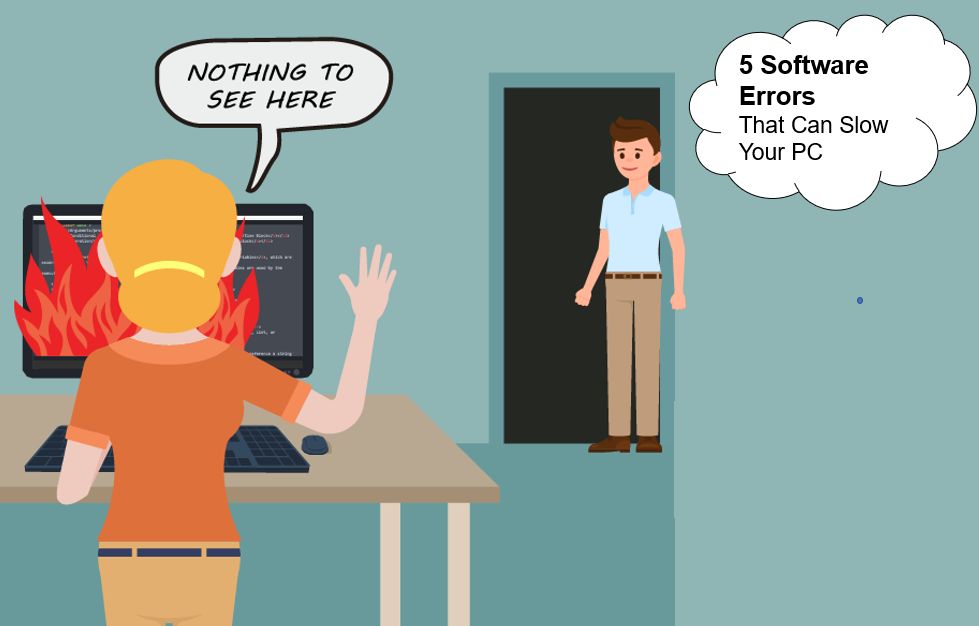
Why Your System Runs Slow?
- One of the main reasons our systems run slow is our PC having too much information stored and no free, open space. Whether cached details or documents stored in drives or desktops, our systems take space. By the system, we did not have enough space or the clustering of our data.
- If our PC runs slow, lags, or starts to buffer randomly, our PC's operating system might be outdated. Once the operating system has a new update, it is necessary to upgrade it as outdated systems might slow and even make our computers stop working.
- Malware or virus is a set of codes used to hack into other systems. When being hacked, or if these harmful codes are present, the system would run slow, lag, buffer, and not runnable. If a bug, malware, or virus is present, our PC won't work at optimal speed or might not work at all.
- Your PC might be running slow because of too many programs or applications running in the background. In this case, due to multiple programs and applications running in the background, the computer becomes slower. It cannot run at an optimal speed that would be seen if all unnecessary tabs, applications, and programs were ended when not in use.
- I'm talking about the last reason is if you have downloaded a wrong, big file that one's PC can't process. By this, I mean if we try to download a file too big in storage size or a wrong format that you can't open.
How to Solve These Issues?
- We only have what is needed downloaded on our PC. If not required or not necessary, we either remove it or move it to the cloud or our drive or an external storage device.
- We try to keep our operating system and all applications up to date with all the upgrades needed. This way, nothing is old, so the computer should run optimally and reasonably.
- We do continuous sweeps of our PC, download antivirus software, and make sure we don't click on any funny links. We should also download and install a spyware scanner and install a malware detector.
- To make one's PC run a bit faster, stop or delete any extra programs, tabs, or applications. If it kept running in the background, it would slow down the computer. So we make sure we close all redundant and useless applications, programs, and tabs.
- Lastly, we can make sure we download the right size and format of the file that we want or need. We ensure not to download some wrong formatted file or that we don't download a too big.